Introduction to WordPress Widgets and Their Capabilities
Welcome to the world of WordPress widgets! These powerful tools are essential for anyone looking to enhance their website’s functionality and design. In this section, we will dive into what widgets are and what they can do for your WordPress site.
What Are WordPress Widgets?
Widgets are small blocks that perform specific functions on your WordPress site. They add content and features to your sidebars, also known as widget-ready areas on your website.
Capabilities of Widgets:
- Flexibility: Widgets allow you to easily drag and drop elements into different areas of your site.
- Customization: Modify your site’s features and layout without any coding knowledge.
- Diversity: Select from a plethora of options like calendars, search bars, or custom menus.
- Enhancement: Improve user experience by providing useful tools and information at a glance.
Understanding widgets is just the beginning. As we navigate through this guide, we’ll explore not only the variety available but also how to maximize their potential impact on your site’s performance.
Exploring the Variety of Widgets in WordPress
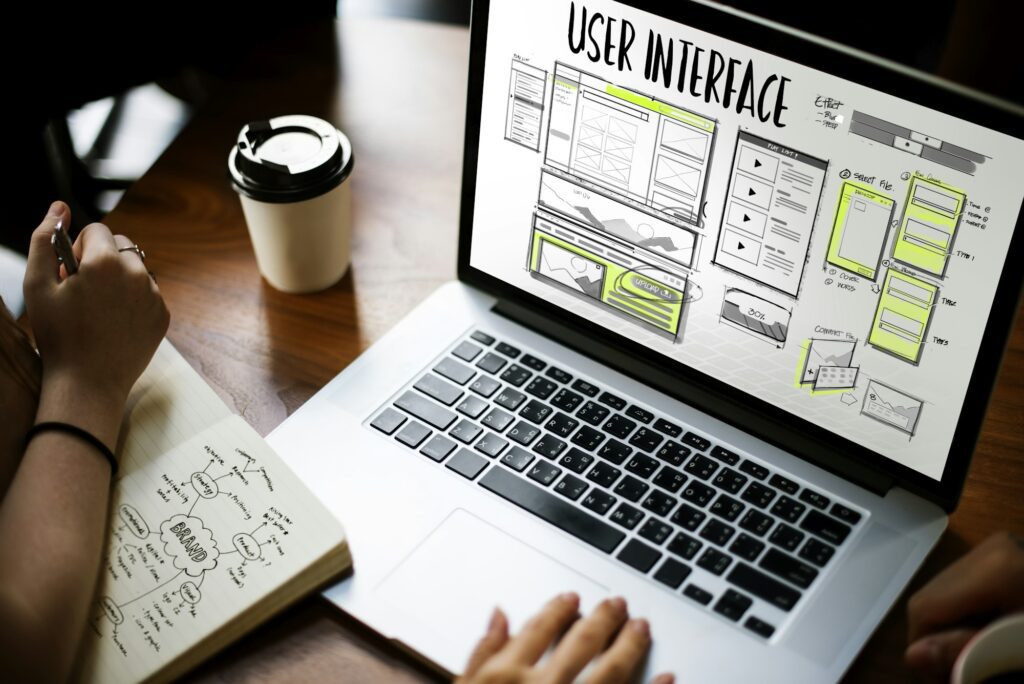
WordPress widgets are essential for users looking to add functionality and variety to their websites. With an array of options, widgets can significantly enhance your site’s user experience. Here’s a look at the different types of widgets available:
Commonly Used WordPress Widgets
- Text Widgets: Add custom text, HTML, or even shortcodes.
- Navigation Menu: Easily place your site’s menus in sidebars.
- Search Bar: Let visitors search your site content quickly.
- Recent Posts: Display a list of your latest content.
- Calendar: Show a calendar view of your posts’ dates.
- RSS Feeds: Share content from an external RSS feed.
Custom Widgets for Enhanced Functionality
Aside from standard options, WordPress allows for custom widget installation to further enhance your site:
- Social Media Feeds: Integrate feeds from social accounts.
- Contact Forms: Offer an easy way for visitors to connect with you.
- Image Galleries: Showcase your images in a stylish gallery format.
- Advertisement Blocks: Monetize your site with ad placements.
- Video Players: Share and display video content seamlessly.
Navigating the Widget Area
To use these widgets, navigate to the Appearance > Widgets section of your WordPress dashboard. From there, simply drag and drop your desired widgets into any designated area of your theme.
Moving forward, understanding how leveraging WordPress widgets for enhanced functionality is key. In the next section, we’ll delve into how to maximize site performance through strategic widget use, ensuring your website runs efficiently and effectively meets user needs.

Maximizing Site Performance with Widget-Enhanced Features
Widgets are not just about aesthetics; they can significantly impact your website’s performance and functionality. By leveraging WordPress widgets for enhanced functionality, you enhance user experience and streamline site operations. Here’s how:
Efficiency in Navigation
- Search widgets: Allow visitors to quickly find the content they need.
- Custom menus: Direct users seamlessly through your site’s structure.
Content Optimization
- Recent posts widgets: Keep your audience engaged with the latest updates.
- Category-specific widgets: Sort content for easier access and relevance.
User Interaction Boost
- Social media feeds: Integrate live social content to increase engagement.
- Comment widgets: Encourage community discussion and feedback.
Performance Enhancements
By strategically placing widgets, you optimize the page load times and responsiveness of your website, which in turn:
- Improves overall visitor satisfaction.
- Boosts SEO rankings due to better user metrics.
- Increases conversion rates thanks to an intuitive user interface.
In conclusion, widgets have a transformative power beyond visual appeal – they are pivotal in streamlining your WordPress site’s performance. As we transition into the next section, consider how Website as a Service (WaaS) can unlock even more potential for your website, offering a custom-tailored enhancement based on your unique requirements.
Moving Forward: The Role of WaaS
Now that we’ve seen how widgets can enhance site performance, let’s explore how Website as a Service (WaaS) can take your website to the next level by providing specialized features tailored to your needs.

The Role of Website as a Service (WaaS) in Website Enhancement
Website as a Service (WaaS) is revolutionizing the way website owners utilize widgets. Incorporating WaaS into your WordPress site can significantly streamline functionality and improve user experience. Let’s delve into how WaaS plays a pivotal role in enhancing websites:
Seamless Integration
- Effortless Implementation: WaaS provides a smooth integration process, enabling widgets to become part of your site with minimal hassle.
- Real-time Updates: With WaaS, widgets are updated automatically, ensuring that your site always features the latest functionalities.
Enhanced Performance
- Faster Load Times: Optimized for performance, WaaS ensures widgets do not slow down your site, providing an improved user experience.
- Better Resource Management: Offloading widget operations to service providers frees up server resources, making your site more efficient.
Customization and Scalability
- Tailored Solutions: WaaS delivers customizable widgets, aligning with your specific needs and branding requirements.
- Scalable Functionality: As your website grows, WaaS can scale alongside it, adding or adapting widgets to support increased traffic and content.
In conclusion, utilising WaaS on your WordPress site translates into a sophisticated digital presence with robust functionality, without taxing your site’s resources or requiring extensive technical know-how.
Next Steps: Professional Setup
Following the integration of WaaS and leveraging WordPress widgets for enhanced functionality, the next step involves professional tips for widget customization and setup. This will further refine your site’s functionality and ensure a seamless user journey.
Stay tuned for the following section, where we’ll provide expert advice on personalizing your WaaS-enhanced WordPress site to perfection.
Professional Tips for Widget Customization and Setup
Widgets can dramatically change the way your website operates and looks. But to make them work for you, there’s a knack to setting them up correctly. Here are professional tips for getting the most out of your WordPress widgets:
Understanding Placement and Purpose
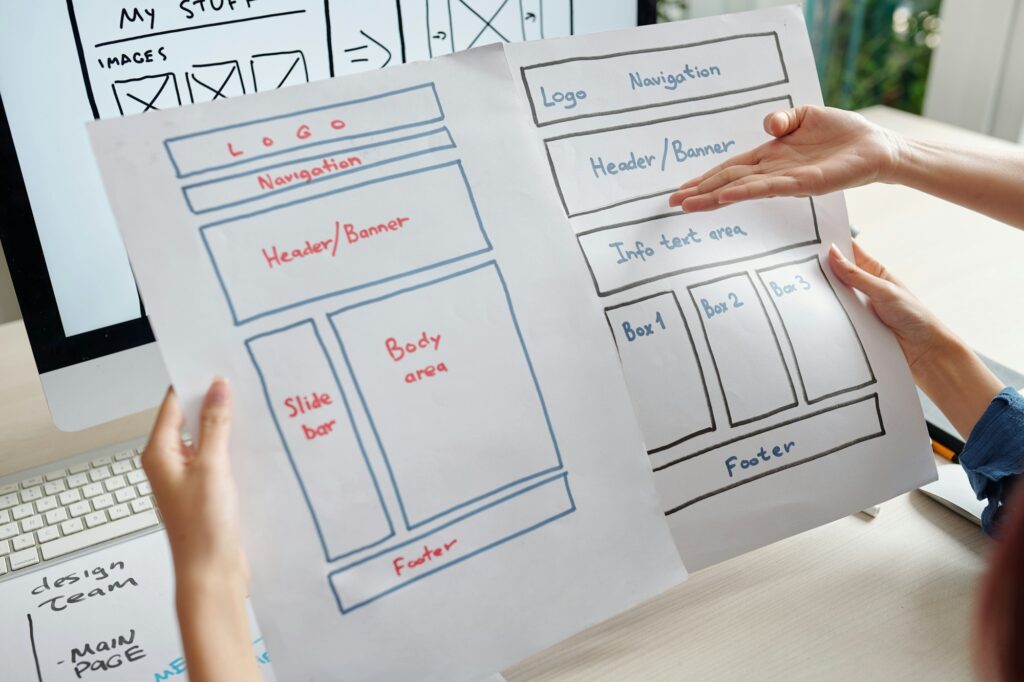
- Analyze your layout: Widgets should complement your page design, not compete with content.
- Goal-oriented placement: Position widgets in areas that align with your site’s goals – social widgets near content for sharing, search widgets at the top for easy access.
Customizing Widgets for Cohesiveness
- Theme consistency: Customize widget colors and fonts to match your overall theme for a seamless look.
- Use custom CSS: If available, use custom CSS options within the widget to get the exact style you need.
Technical Setup for Optimal Performance
- Limit widget numbers: Too many widgets can slow down your site. Use only what’s necessary.
- Use caching: Implement caching mechanisms to ensure widgets loaded with data don’t impact site speed.
Moving onto advanced functions after these pro setup tips will ensure that when you do enhance your widgets further, they’ll be primed to deliver exceptional performance.
Transition to Advanced Functions
Once you have customized and set up your widgets professionally, optimizing them takes your site to the next level. In the next section, we’ll delve into how you can leverage advanced widget functions to further optimize your WordPress site.

Optimizing Your WordPress Site with Advanced Widget Functions
Widgets are not just for aesthetics; they can significantly enhance your WordPress site’s functionality. By utilizing advanced widget functions, you can streamline processes and improve user experience. Here’s how:
Strategic Widget Placement
- Homepage Optimization: Place widgets like sliders or featured posts to captivate visitors immediately.
- Footer Widgets: Use this area for sitemaps or contact information to aid navigation and conversions.
- Sidebar Efficiency: Prioritize widgets that relate to the page content for higher engagement.
Enhancing Widget Functionality
- Use conditional tags to show or hide widgets based on pages, posts, or categories.
- Integrate social media feeds to keep your content dynamic and fresh.
- Enable user interaction through widgets like surveys, polls, or live chats.
Widget Customization for Performance
- Customize widgets with CSS and JavaScript for unique styling and interactive features.
- Reduce load time by optimizing image sizes within media widgets.
- Employ widget caching plugins to maintain website speed.
Achieving an effectively optimized site with widgets contributes to better SEO rankings and enhanced user experiences. Apply these advanced strategies to take full control of your WordPress environment.
Moving beyond optimization, understanding the role of Widgets as a Service (WaaS) can further revolutionize your website’s capabilities. This innovative approach offers endless possibilities in widget customization and functionality.

Conclusion: Transforming Your WordPress Experience with Widgets
As we’ve navigated through the dynamic world of WordPress widgets, it’s clear that they are powerful tools capable of elevating your site’s functionality and design. From basic enhancements to advanced features, widgets serve as essential building blocks for a customizable and efficient website.
The Power of Widget Customization
- Personalized Touch: Widgets allow you to inject personality into your website, making it stand out in the digital landscape.
- Increased User Engagement: By optimizing widget areas, you offer more value to visitors, keeping them engaged for longer periods.
Widgets as Catalysts for Growth
- SEO Boost: Strategically placed widgets can improve site navigation and content visibility, aiding in better search engine rankings.
- Performance Enhancements: Leverage WaaS to maintain high-speed site performance even as you add more functions.
Embrace the Future with WaaS and Pro Tips
Leveraging WordPress widgets for enhanced functionality helps your website remain updated and powerful without compromising on site speed. Moreover, following professional setup tips grants you access to custom features while maintaining a seamless user experience.
In conclusion, unlocking the full potential of WordPress widgets transforms your website from a static space to a dynamic platform rich with opportunities for growth and user engagement. As you move forward, remember that:
- Widgets are not just add-ons; they are crucial components that enhance every aspect of your WordPress experience.
- With WaaS and professional customization tips, you possess the keys to a scalable, feature-rich website.
- Every widget adjustment is a step towards a more functional, engaging site that resonates with your audience.
Embrace the power of widgets and watch your WordPress journey evolve into something extraordinary.